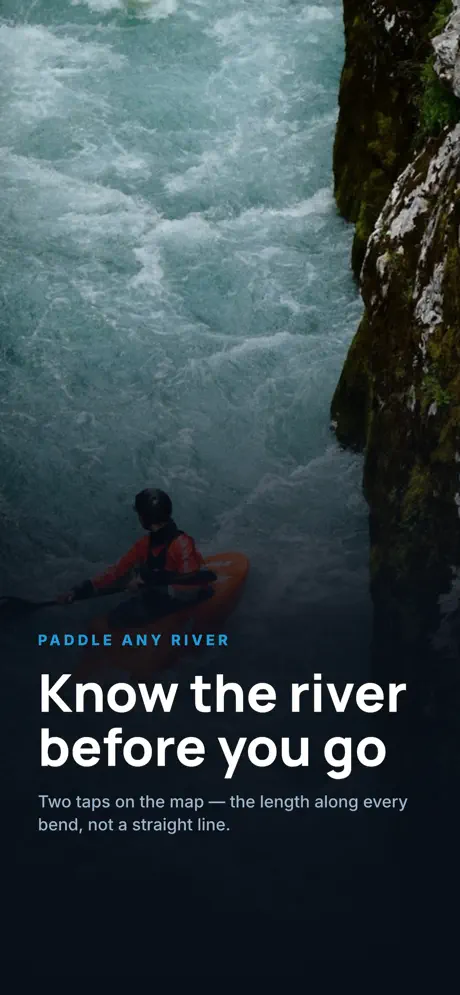
How long is that stretch of river? Measure it along the bends.
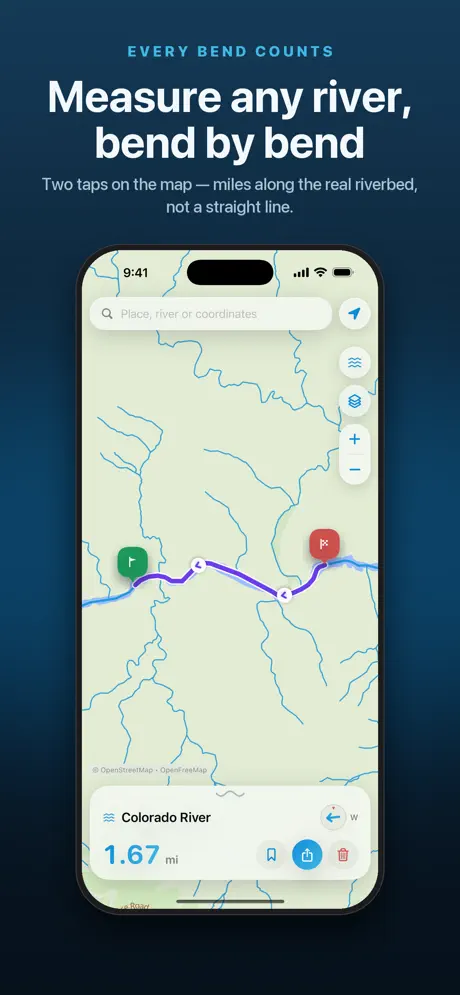
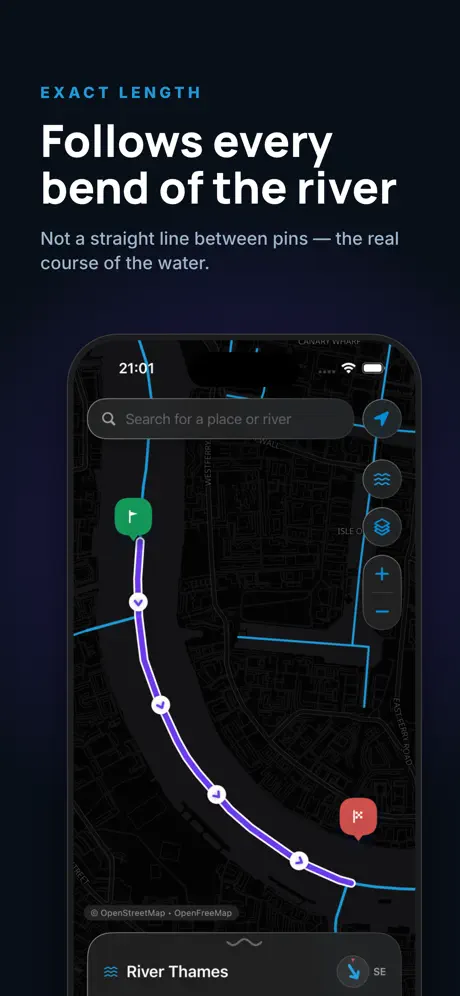
Drop two pins and River Ruler follows the riverbed between them instead of drawing a straight line. You also get the numbers that decide a trip: how steep, how winding, and how long it takes.
Why people use it
The real riverbed length
Measured along every meander, not as the crow flies — the number you actually paddle.
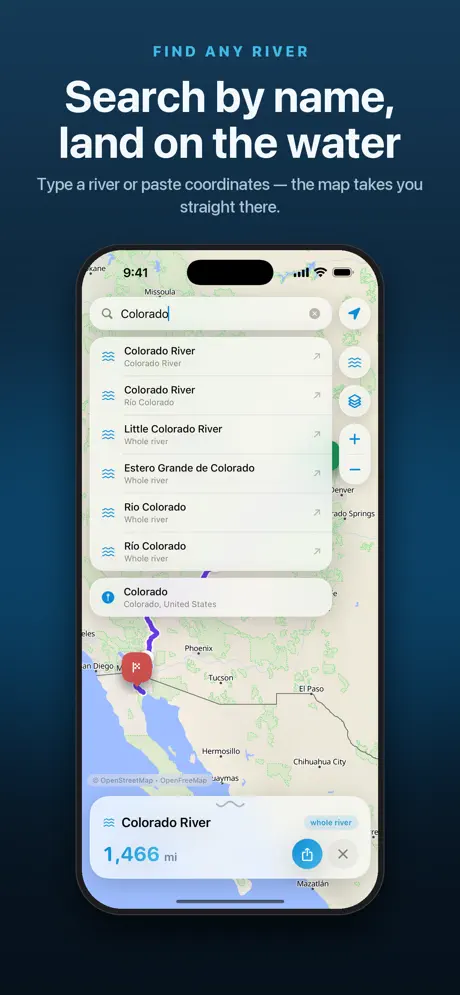
The whole river
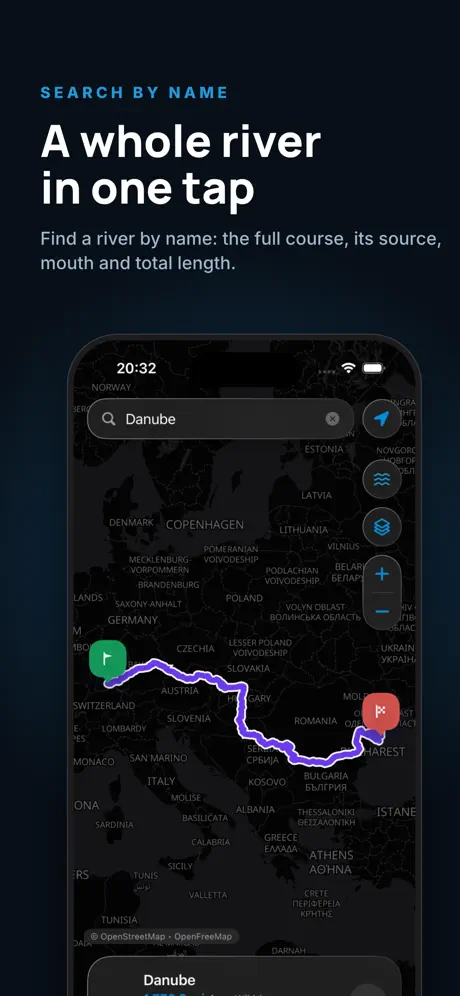
See any river from source to mouth with its total length. Search by name or jump to coordinates.
Numbers for planning
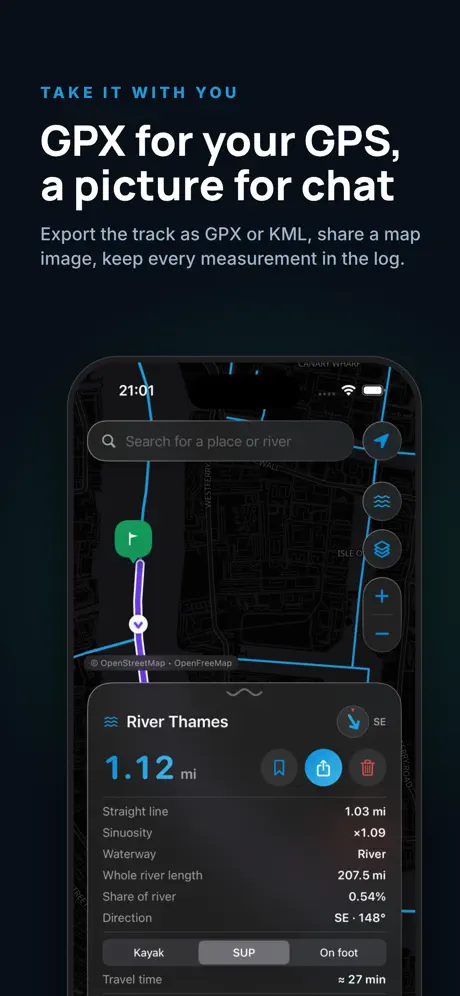
Sinuosity, gradient, elevation drop, discharge, basin area, flow direction — and travel time by kayak, SUP or on foot.
Take it with you
Export GPX for your GPS, KML for Google Earth, a PDF, or an image ready to drop into the group chat.
Inside the app
How it works
Find the river
Type its name, or paste coordinates and jump straight there.
Drop two pins
Start and finish of your section. The route snaps to the riverbed.
Get the numbers
Length, gradient and travel time appear at once. Save the measurement to your log or export it.
Questions
Where does the river data come from?
From OpenStreetMap, the open map built by volunteers. Reference numbers like total length and discharge come from Wikidata, and elevation from Open-Meteo.
How accurate is it?
As accurate as the river is drawn on OpenStreetMap. Large and popular rivers are usually mapped in detail; small streams can be rougher. Treat travel time as an estimate — current, wind and water level change it.
Is it free?
You can make a number of measurements for free. After that, a one-time “Unlock forever” purchase removes the limit. It’s not a subscription.
Do I need an account or internet?
No account and no sign-up. You need a connection while measuring, because the map and river data are loaded online. Your saved measurements stay on the phone.
Does it track my location?
Only if you allow it, and only to show you on the map. Your location stays on the device. Details in the privacy policy.
Measure your next trip
Download River Ruler and see the real length before you put in.